Made for Apple Pencil
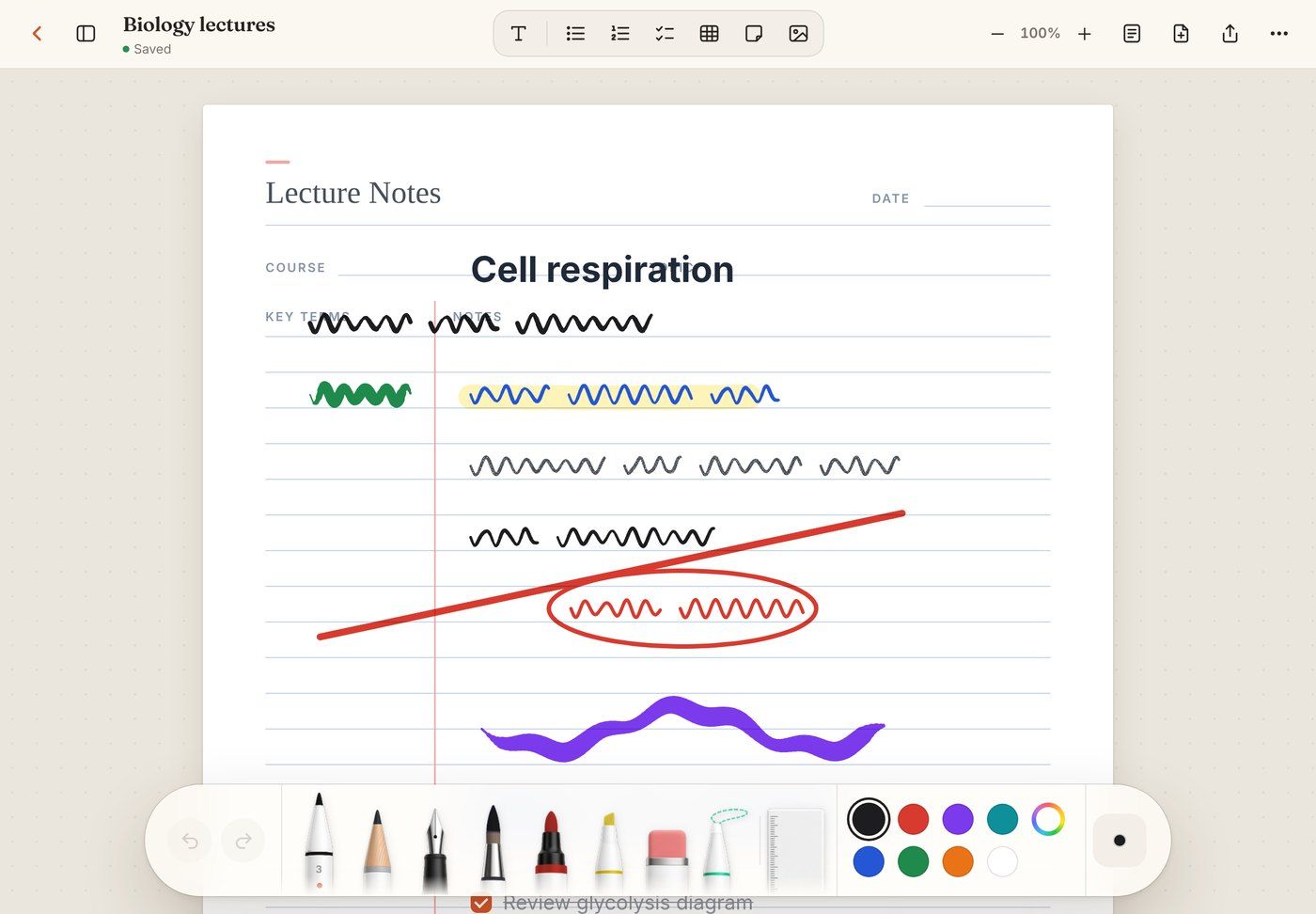
Pressure-sensitive pens, pencil, fountain pen, brush, marker and highlighter, plus palm rejection.
 Inkfolio
A calm, Notability-style notebook that lives in your browser. Write with Apple Pencil, type, sketch and plan on iPad, tablet, phone or desktop, even with no Wi-Fi.
No credit card · Google or email sign-in
Everything a paper notebook does
Pressure-sensitive pens, pencil, fountain pen, brush, marker and highlighter, plus palm rejection.
Lined, grid, dotted, Cornell notes, planners, storyboards, scripts and more, on four paper colours.
Text boxes, checklists, tables, sticky notes and images sit right next to your ink.
Everything saves on your device first. Write on a plane; it syncs when you're back online.
Sign in on your iPad, phone and laptop and pick up exactly where you left off.
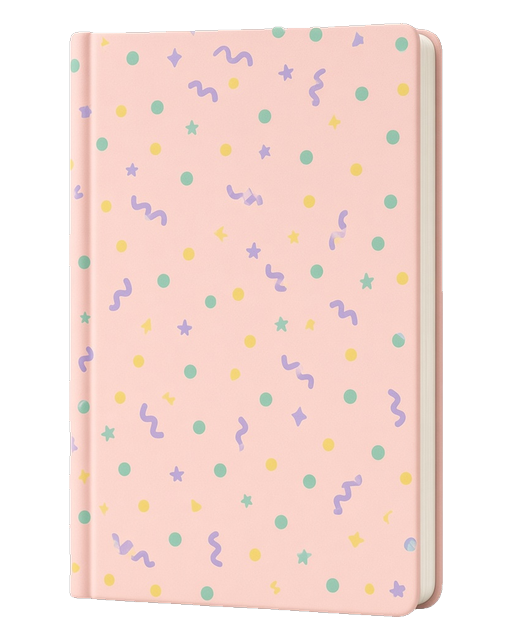
Eighteen hand-made covers, a lasso, a ruler, light and dark mode, and PDF export.
Install in 20 seconds
Notes is a web app, so there's nothing to download from a store. Add it once and it opens full-screen like any other app, with Apple Pencil and offline support.
Pricing
Already have an account?
Inkfolio
A calm notebook for everything you write, plan and sketch.
Pen, pencil, fountain pen, brush, marker and highlighter, with Apple Pencil pressure and palm rejection.
61 templates on 12 paper colours: lined, grid, Cornell, planners, storyboards and more.
With Pro, type a topic and AI notes sketches a hand-drawn page. Then write right on top of it.
Lasso anything to move it. Draw straight with the ruler. Add sticky notes, tables and photos, even offline.
Share a notebook with anyone by email, or send it as a PDF or images.
Sign in to back up your notebooks and open them on any device.
You can start right away and sign in later. Your notes come with you.
Inkfolio
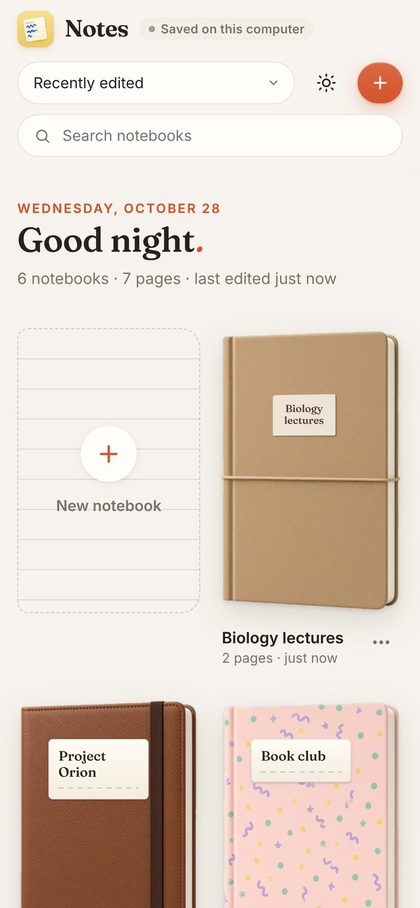
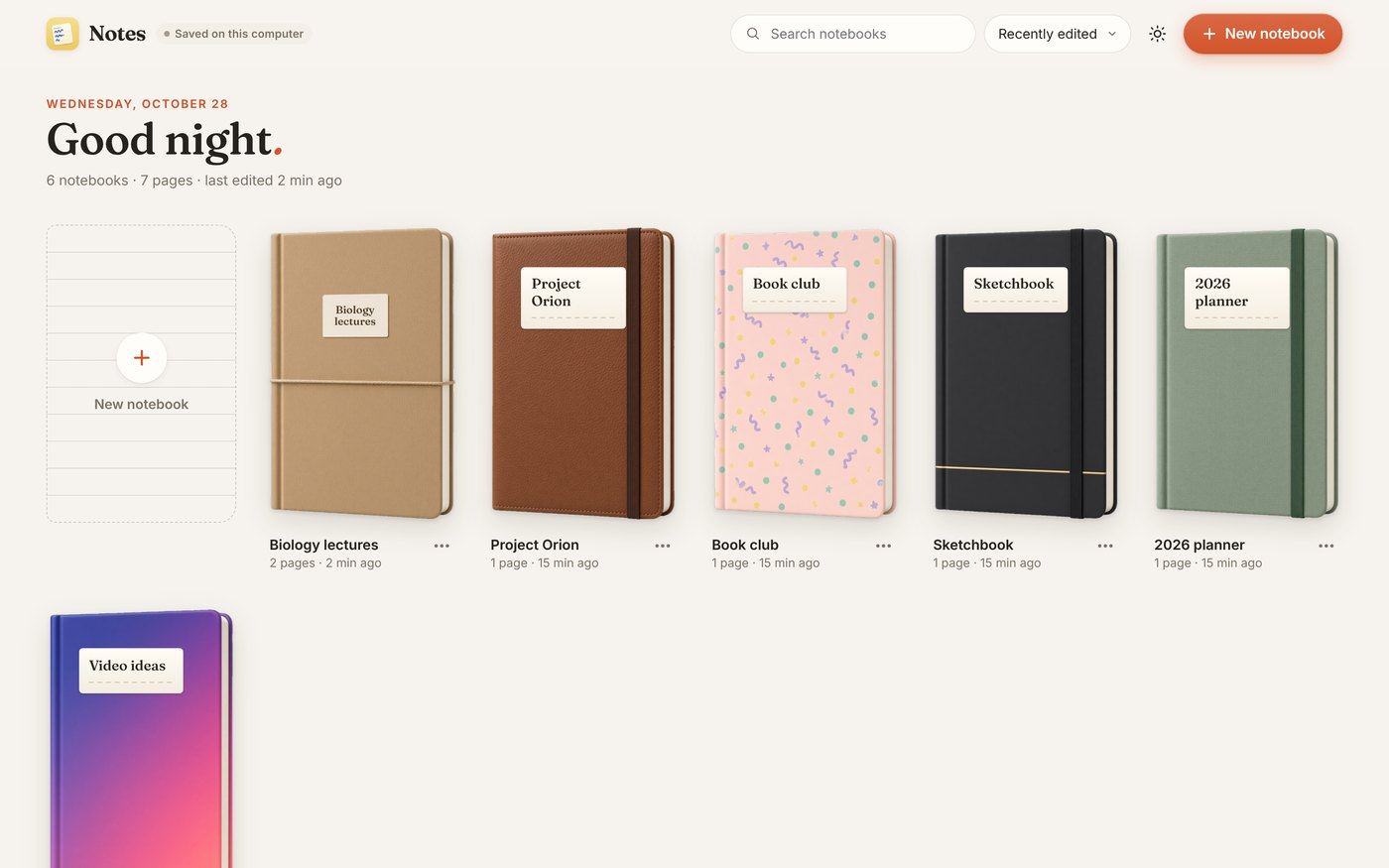
Make a notebook for lectures, plans, scripts, or anything you want to write by hand.
Your plan
Feature tour
Newest first. Each preview plays on its own; tap one to replay it, and follow the steps to try it yourself.
On iPadOS and iOS 16.4 or later, Chrome and Edge work too.
On iPad it's at the top right, next to the address bar. On iPhone it's in the toolbar at the bottom.
Scroll down the list of actions if you don't see it straight away.
Notes now opens full-screen from your Home Screen, ready for Apple Pencil and offline use.
Samsung Internet, Edge and Firefox also offer “Add to Home screen”.
It's at the top right of the browser.
Then confirm with “Install”.
It runs in its own window, with no address bar, and works offline.
Click the install icon at the right end of the address bar, or use the button below.
Choose File, then Add to Dock.
Notes opens in its own window from the Dock, Start menu or Launchpad.
You're using the installed app. Nice.